01
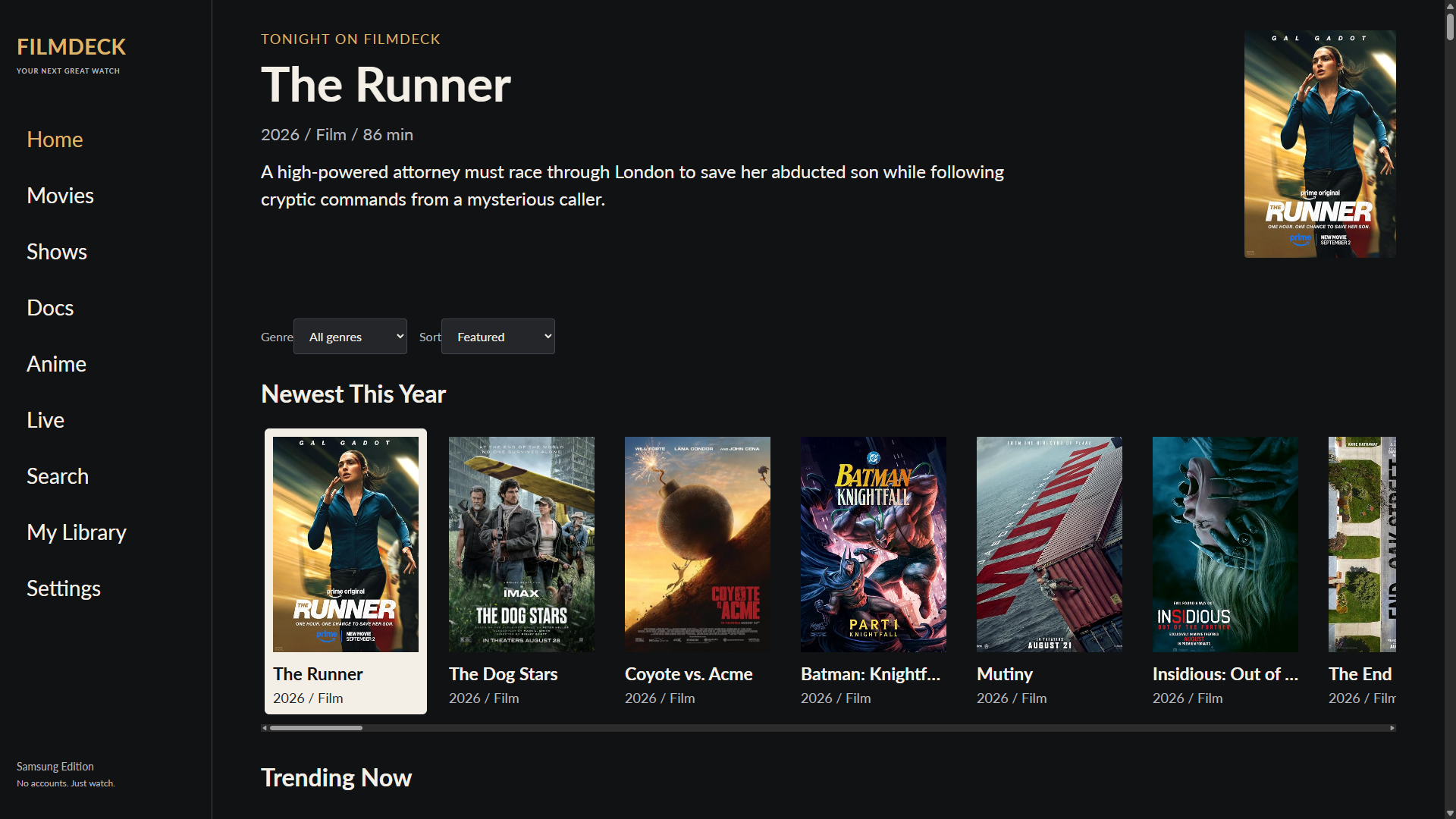
Download and unpack FilmDeck
- Click Download for Windows setup above. Save the ZIP to your Downloads folder.
- In File Explorer, right-click the ZIP and choose Properties. If you see an Unblock checkbox near the bottom, check it and click Apply. This removes the downloaded-file mark from this copy only.
- Right-click the ZIP and choose Extract All, then Extract. Open the extracted folder, not the ZIP preview.
- You’ll see Start-Setup.cmd, Setup-FilmDeck.ps1, an App folder, and an offline guide. Keep them together.
- Double-click Start-Setup.cmd. A FilmDeck setup window opens. Leave it open while completing the next steps.
The helper is readable PowerShell, not a signed Windows installer. It uses RemoteSigned for its own process only. If your computer blocks scripts, use the manual installation route below instead of changing system-wide security settings.